HR Document Management for Employees at Scale
HR document management for employees centralizes records, permissions, approvals, and retention across countries so HR, payroll, and staff operate.
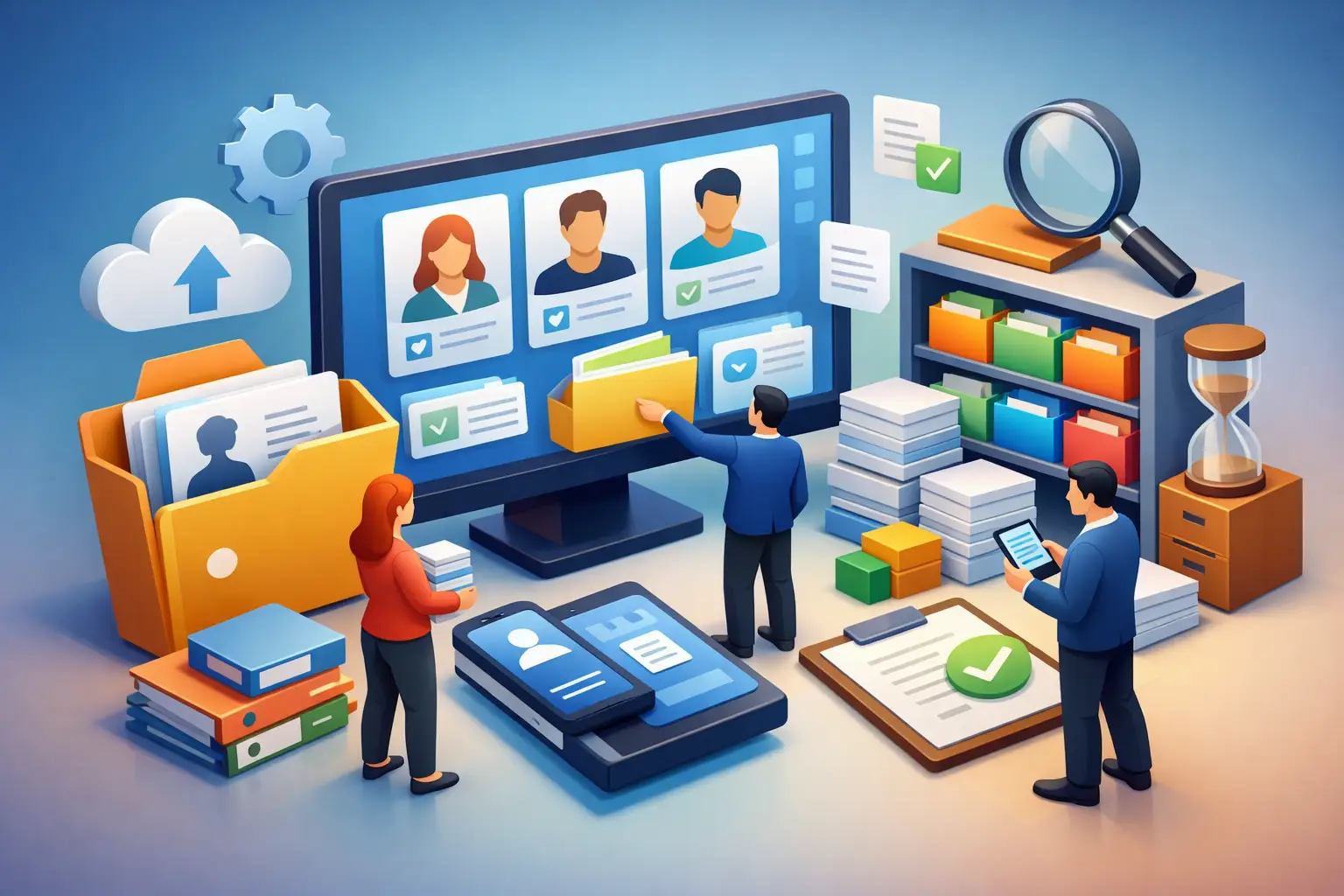
A signed employment agreement in Singapore, a tax declaration in New Zealand, an updated bank account form, and a manager’s performance review should not live in four systems, two email inboxes, and a shared drive with unclear access. HR document management for employees is the control layer that makes the employee record usable across HR, payroll, finance, managers, and employees themselves.
For companies operating across countries, the issue is larger than file storage. Documents trigger payroll changes, establish employment terms, support statutory filings, prove approvals, and contain personal data that requires careful handling. A misplaced or outdated document can become an inaccurate pay run, a delayed onboarding, or an audit gap.
What HR Document Management Must Do
A basic document repository solves only one problem: where files are stored. An operational HR document management system must also establish context. Every document should be connected to the correct employee, legal entity, location, employment status, workflow, and effective date.
That connection matters when an employee moves from Singapore to Hong Kong, changes from contractor to employee, or receives a compensation adjustment. The organization needs to know which agreement is current, which policy version was acknowledged, who approved the change, and whether payroll has received the resulting instruction.
The right model is a single employee record, not a folder structure that people must interpret manually. Documents become governed workforce data with a clear lifecycle: created, reviewed, signed, stored, retained, archived, or deleted according to policy.
Documents are operational inputs, not attachments
Employment contracts, right-to-work evidence, tax forms, leave documentation, disciplinary records, compensation letters, benefits elections, and training certificates have different security and retention requirements. They also influence different teams.
For example, a compensation letter may need approval from HR and finance before it is issued. Once signed, the updated salary and effective date should flow into the payroll calculation process through controlled workflow logic. A document platform that leaves this information trapped in a PDF still creates manual work and reconciliation risk.
Build HR Document Management Around the Employee Record
The strongest architecture starts with a shared data model. Each document should inherit core attributes from the employee profile, including worker ID, legal entity, country, department, manager, employment type, and status. HR teams should not have to enter those details again each time a file is uploaded.
This approach improves search, reporting, retention, and access control. It also prevents a familiar failure mode: an employee changes departments or managers, but sensitive documents remain available to people who no longer need them.
A well-designed employee document record should capture the document type, version, effective date, owner, approval status, signer status, retention rule, and audit history. Metadata is what turns documents into a governed system of record rather than a digital filing cabinet.
Separate access by role, jurisdiction, and purpose
Not every manager should see an employee’s compensation history. Payroll administrators may require tax and bank information, while a learning administrator may only need training records. In a multi-country organization, a regional HR partner may need access to employees in one entity but not another.
Role-based access control, or RBAC, should reflect these boundaries. Permissions should be assigned through roles and organizational scope rather than granted informally file by file. That makes access easier to review, easier to revoke, and more defensible during an audit.
The trade-off is that detailed permission design requires early decisions. Teams that try to replicate every exception from their old shared-drive model can make administration unnecessarily complex. Start with a small set of clearly defined roles – employee, manager, HR administrator, payroll administrator, finance approver, and system administrator – then add restricted access groups only where the risk justifies them.
Design Workflows That Keep Documents Moving
Document management becomes valuable when it is embedded in employee lifecycle workflows. Onboarding, promotions, transfers, leave, offboarding, and annual policy acknowledgments each require a defined sequence of documents and actions.
During onboarding, the system can generate country-specific employment documentation based on the employee’s legal entity and job details. It can route the agreement for review, request an electronic signature, notify payroll when required details are complete, and present the employee with a secure self-service checklist.
For offboarding, workflows should collect resignation or termination documentation, revoke access on the relevant date, preserve records subject to retention policy, and ensure final-pay inputs reach payroll. No one should rely on a manager remembering which forms to email to which team.
Version control is a compliance control
Policy acknowledgments are frequently mishandled because companies track only whether an employee received a document, not which version they received. When a leave policy, code of conduct, or data privacy notice changes, HR needs a record of the published version, the applicable employee population, the acknowledgement date, and any reminders sent.
The same principle applies to employment terms. A later amendment should never overwrite the original agreement. The system should preserve the historical document, identify the current version, and make effective dates visible to authorized users. This is essential when a payroll, employee relations, or legal question arises months later.
Connect Documents to Payroll and Workforce Operations
For global employers, employee documents rarely belong to HR alone. Tax declarations, bank details, work schedules, overtime approvals, leave certificates, and compensation changes can all affect gross-to-net payroll.
A disconnected document process forces payroll teams to chase information before cutoff, interpret email attachments, and manually key changes into the payroll system. That creates errors precisely where organizations need the highest degree of accuracy.
In one composable system, the document workflow can feed downstream actions under defined controls. A signed salary change can create a pending payroll change for review. A validated medical certificate can support an absence record. An approved timesheet exception can be retained with the associated pay-period audit trail.
This does not mean every uploaded file should automatically change payroll. High-impact actions should use approval gates, effective-date validation, and clear exception handling. Automation should reduce rekeying, not remove accountability.
Retention, Audit Trails, and Regional Data Controls
Employee documents contain highly sensitive information. Storage without retention discipline increases risk, while aggressive deletion can remove records needed for labor, tax, or employment obligations. The correct retention period depends on the document category, country, legal entity, and internal policy.
A practical system applies retention rules by document type and jurisdiction, then records when a document was created, viewed, changed, exported, and deleted. Audit logs should identify the actor, timestamp, and action. This level of evidence matters when internal audit, external auditors, regulators, or legal teams ask how a record was handled.
Companies operating in APAC should also evaluate data residency, regional processing controls, and identity management. SAML SSO, OAuth2-based integrations, and automated provisioning can reduce the risk created by unmanaged accounts and manual access changes. APIs and webhooks matter as well, particularly when documents must coordinate with recruiting, payroll, finance, or e-signature systems.
Where AI Fits – and Where It Does Not
AI can reduce administrative work in document-heavy HR processes. It can classify incoming files, extract candidate metadata, identify missing onboarding documents, route requests to the right queue, and answer authorized questions with source citations.
But employee documents are not a safe place for uncontrolled AI automation. A system should not expose compensation letters or medical documentation through broad search access simply because the information exists somewhere in the repository. AI actions need the same RBAC, regional controls, and audit trail as any other workforce action.
ZingKey’s AI-native approach is designed around governed private agents that operate against authorized workforce data rather than an unbounded document corpus. That distinction is material for organizations balancing productivity with privacy, compliance, and internal controls.
How to Assess Your Current Process
A useful assessment starts with operational questions, not a feature checklist. Can an employee retrieve their current signed agreement without asking HR? Can payroll identify every approved change that affects the next pay run? Can HR prove which policy version an employee acknowledged? Can IT remove access immediately when a manager changes roles?
If the answer depends on someone searching email, reconciling spreadsheets, or knowing the right folder path, the process is not yet controlled at scale. Prioritize the highest-volume and highest-risk workflows first, usually onboarding, employment changes, payroll input documentation, and offboarding.
Then establish ownership. HR should define document categories and lifecycle rules. Payroll should define documents that affect pay and cutoff requirements. IT should govern identity, integrations, and access patterns. Legal and compliance should validate retention and jurisdiction-specific requirements. The system works when those responsibilities are explicit and connected.
The goal is not to digitize every historical folder on day one. Start by making new documents reliable, searchable, permissioned, and connected to the employee lifecycle. Once the operating model is in place, legacy records can be migrated based on risk, retention value, and practical business need.
When employee documents are governed as part of the workforce system, teams spend less time finding proof and more time acting on trusted information. That is the foundation for controlled growth across entities, countries, and payroll cycles.