HR Automation Versus Workflow Tools That Scale
HR automation versus workflow tools: see where generic orchestration ends and integrated HR platforms improve payroll, compliance, controls, and scale.
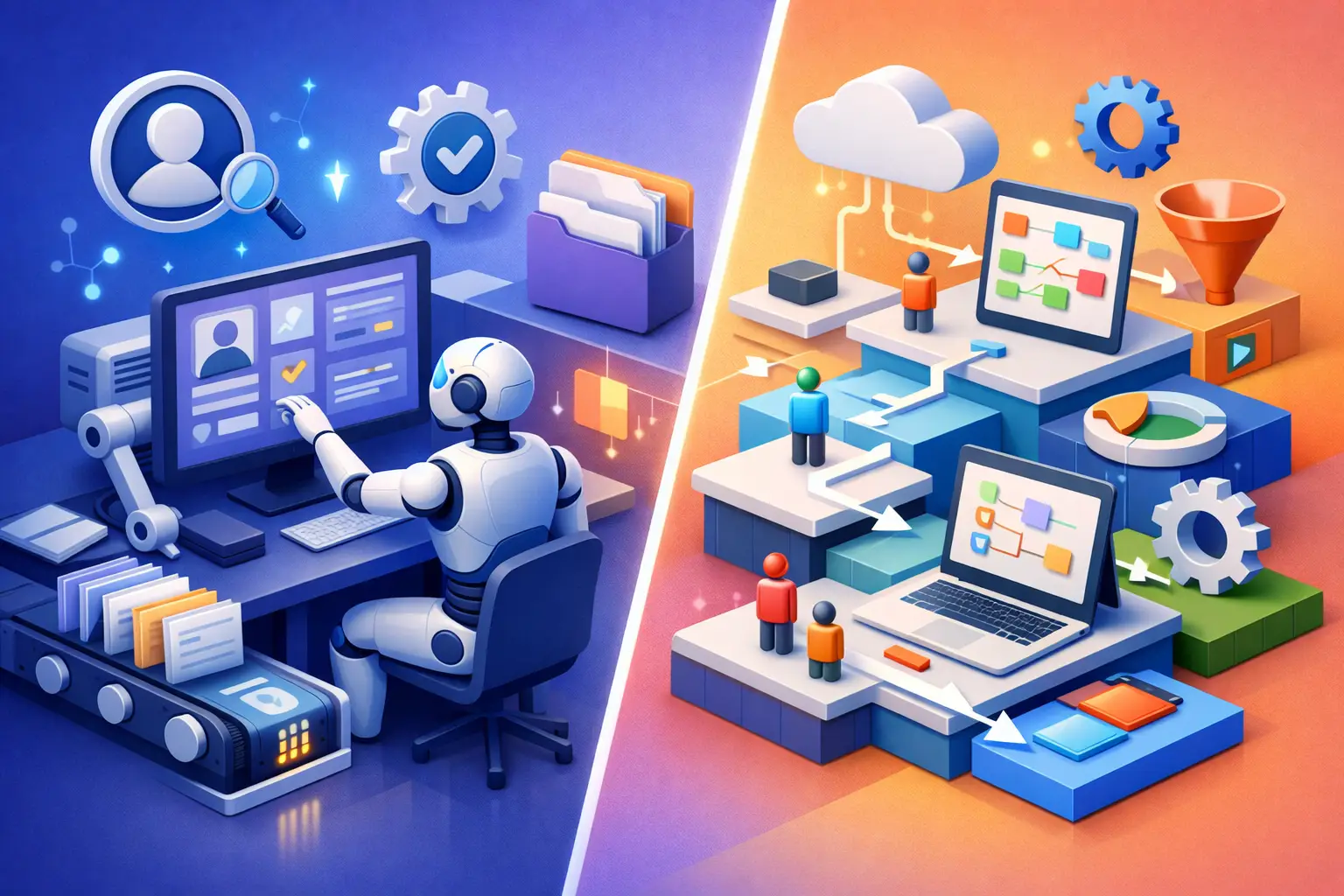
A payroll correction should not begin with someone copying a Slack request into a ticket, then searching three systems to determine which employee record is current. Yet that is how many organizations operate as they add countries, legal entities, shift patterns, and local statutory obligations. The distinction between HR automation versus workflow tools becomes material when a people process affects pay, compliance, employee access, or the audit trail.
Generic workflow software can move work between people and systems. Purpose-built HR automation can understand what that work means in the context of an employee, an employment agreement, an approval policy, a leave balance, a timesheet, and a country-specific payroll rule. Both have a place. They are not interchangeable.
HR Automation Versus Workflow Tools: The Core Difference
A workflow tool is an orchestration layer. It typically starts with a trigger, applies conditions, routes tasks, sends notifications, updates connected applications, and records whether a step completed. It is useful for broad business processes such as requesting equipment, opening a finance ticket, or notifying a manager when a contract is signed.
HR automation is a domain-specific execution capability. It operates against a workforce data model that connects person, job, position, manager, entity, location, pay group, schedule, leave policy, and payroll data. Instead of simply passing a request along, it can calculate eligibility, enforce role-based permissions, create required records, initiate approvals, and preserve the data required for downstream payroll and reporting.
That distinction is easiest to see in an employee transfer. A generic workflow can notify HR, IT, and finance that an employee is moving from Singapore to New Zealand. An HR platform can also update the legal entity and employing terms, apply the appropriate local policy set, change payroll group eligibility, route approvals based on delegated authority, adjust system access through identity controls, and maintain a dated record of the employment change.
The workflow is visible in both cases. The operational integrity behind it is not.
Why Generic Workflows Break Under Workforce Complexity
Workflow tools are often adopted because they solve an immediate coordination issue. A People Operations team needs an approval chain. IT needs an onboarding checklist. Finance needs visibility before a new hire is activated. Low-code workflow builders make these use cases approachable, especially when the underlying HR environment is fragmented.
The trade-off appears when the workflow becomes a substitute for a system of record. The logic then lives outside the workforce data it depends on. Every integration introduces questions: Which system owns the employee’s manager? What happens when an effective date changes after approval? Does the flow recognize a contractor differently from an employee? Can it stop a payroll-impacting action after a cutoff date? Who can view compensation data in the process log?
For a single-country company with stable processes, a connected workflow may be sufficient. For organizations operating across APAC, the exceptions accumulate quickly. Singapore payroll handling, New Zealand leave and holiday rules, local statutory reporting, overtime approvals, bank-file requirements, and different entity structures are not merely routing conditions. They are governed operating rules.
A workflow layer can call an HR or payroll API to perform an action. It cannot reliably replace the policy engine, calculation logic, effective-dated data, and audit controls that should decide whether the action is valid.
The hidden cost of externalized HR logic
When policy logic is recreated in automation recipes, teams inherit a maintenance problem. A change to an approval threshold, leave policy, manager hierarchy, or statutory rule may require updates across the HR system, payroll platform, integration middleware, and workflow templates. The risk is not just a failed automation. It is inconsistent workforce data that reaches payroll or financial reporting.
Externalized logic also complicates auditability. An auditor or payroll director should be able to answer a direct question: who changed an employee’s bank details, which approval policy applied, what data was used, and when did that change take effect? If evidence is scattered across tools, the organization has a process trail, but not necessarily a controlled record.
Where Workflow Tools Still Add Value
This is not an argument to eliminate workflow tools. They are effective at cross-functional orchestration where HR is one participant among many and the process extends beyond the HR platform’s native domain.
Consider a new office opening. The process may involve real estate, procurement, IT security, finance, and regional leadership. A workflow tool can coordinate the program plan and push status updates to collaboration tools. Likewise, an organization may use workflow automation to create a service desk request when a new employee reaches a defined onboarding milestone.
The design principle is straightforward: keep authoritative people decisions and payroll-impacting actions inside the HR platform, then use workflow tools to coordinate adjacent work. This reduces duplication without forcing every enterprise process into one application.
A mature architecture often looks like this: the HR platform owns employee identity, employment data, policy rules, approvals, and payroll inputs; integration layers exchange approved events through APIs or webhooks; workflow tools coordinate tasks in systems such as IT service management, collaboration, procurement, and finance. Each layer has a clear job.
What to Automate Natively in HR
Native HR automation is most valuable where a process depends on controlled workforce data or creates downstream compliance obligations. Hiring, changes in employment terms, leave, time and attendance exceptions, compensation changes, offboarding, and payroll preparation all belong close to the underlying record.
Take leave approval. A basic workflow can send a request to a manager. A native HR process can determine the correct approver from the live reporting hierarchy, calculate available balance under the relevant policy, identify restricted dates, apply carryover rules, update team availability, and pass approved absence data into payroll where applicable. If the employee changes manager mid-request, the platform can apply the effective-dated organization structure rather than rely on a copied email address.
The same applies to payroll exceptions. A manager approving overtime is not simply approving a task. The approval may affect pay rates, thresholds, rest requirements, union or contract conditions, and local calculations. Native automation links that decision to the schedule, attendance record, pay group, and country pack. That produces cleaner gross-to-net payroll and a more defensible audit trail.
For AI-assisted actions, native context matters even more. An AI agent that can summarize a policy is useful. An agent that can execute an employee-data change must operate with role-based access control, source citations, regional data controls, approval gates, and logged actions. AI-native, not bolted-on, means the agent is governed by the same identity and data model as the workforce operation it supports.
Evaluation Criteria for HR and IT Leaders
The better question is not whether a vendor has automation. Nearly every vendor does. The question is where the logic runs, which data model it relies on, and how the organization controls it.
Start with system ownership. Identify the source of truth for employee identity, organizational hierarchy, employment terms, time data, compensation, and payroll inputs. If an automation changes one of these records, it should write back to the authoritative system rather than create a parallel version.
Next, test effective dating and exception handling. Real workforce processes are rarely linear. Employees are hired, then delayed. Managers change. Transfers are backdated. A pay adjustment is approved after a cutoff. Ask how the system handles reversals, retroactive changes, delegated approvers, and incomplete data. A polished workflow demo often avoids these conditions; operations teams cannot.
Then examine governance. Enterprise readiness requires more than a completion history. Look for RBAC, SAML SSO, audit logging, approval controls, regional data handling, API authentication, and clear visibility into automation failures. Where payroll and personal data are involved, permissions should be granular enough to separate manager, HR, payroll, finance, and IT responsibilities.
Finally, assess country coverage at the rule level. Multi-country HR automation needs more than localized labels and currencies. It needs jurisdiction-specific statutory logic, year-end reporting, local payroll calculations, and payment outputs that reflect the markets where the organization employs people. A single codebase with country packs is easier to govern than a collection of acquired local tools with disconnected records.
Build the Operating Model Before the Automations
The strongest automation program begins with data architecture, not flowcharts. Establish the employee identity layer, decide which system owns each workforce object, standardize event definitions, and map approvals to policies rather than individuals. Only then should teams automate notifications, handoffs, and integrations.
This approach prevents a common failure mode: accelerating a fragmented process. If HR, payroll, and time data disagree before automation, faster routing only spreads the inconsistency faster.
ZingKey is built around this model: one composable system where Core HR, multi-country payroll, workforce operations, talent, rewards, intelligence, and governed AI share the same workforce foundation. That architecture does not remove the need for integrations. It makes integrations more dependable because approved, current workforce events originate from a controlled record.
The practical goal is not to automate every task. It is to make every automated action accountable to the right data, policy, permission, and jurisdiction. When that foundation is in place, workflow tools become useful extensions of workforce operations instead of a patch for missing HR infrastructure.